a lamp redesign, run over the mcp
a UV lamp taken apart on the bench becomes a printable case, traced circuit boards, a die-cut retail pack and launch films, with the pictures, clips and music run from outside the browser over the ixi MCP.
The brief: redesign a handheld UV lamp. Start from the old one in pieces, with phone photos and calipers in shot, and end with a housing that can be printed, boards that can be ordered, a box that can be cut, and films that explain the redesign.
The generated pictures, clips and music on this canvas were run from outside the browser, over the MCP: the Nano Banana Pro, Seedance 2.5, Kling v3 Video, Tripo h3.1 and Lyria 3 Pro nodes keep runs that were started that way. The 3D models, boards and cuts are ordinary nodes you open and edit in the browser.
1 · measure the parts
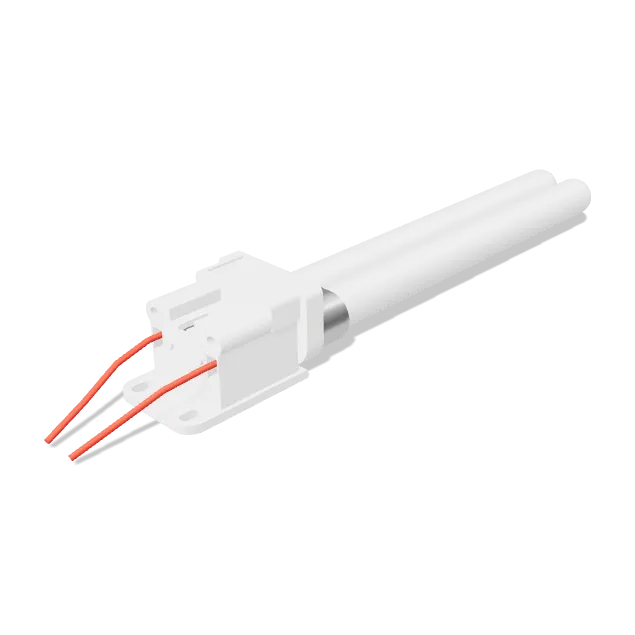
The first pass is 3D model nodes in CAD mode, read off the caliper photos: the lamp holder (labelled YT-02C, for a G23 twin tube) and a 40 × 40 × 20 mm, 24 V fan, each exported as STEP so every later part is fitted against measured geometry. A teardown model of the original wand sits on the canvas as a reference.
2 · trace the boards
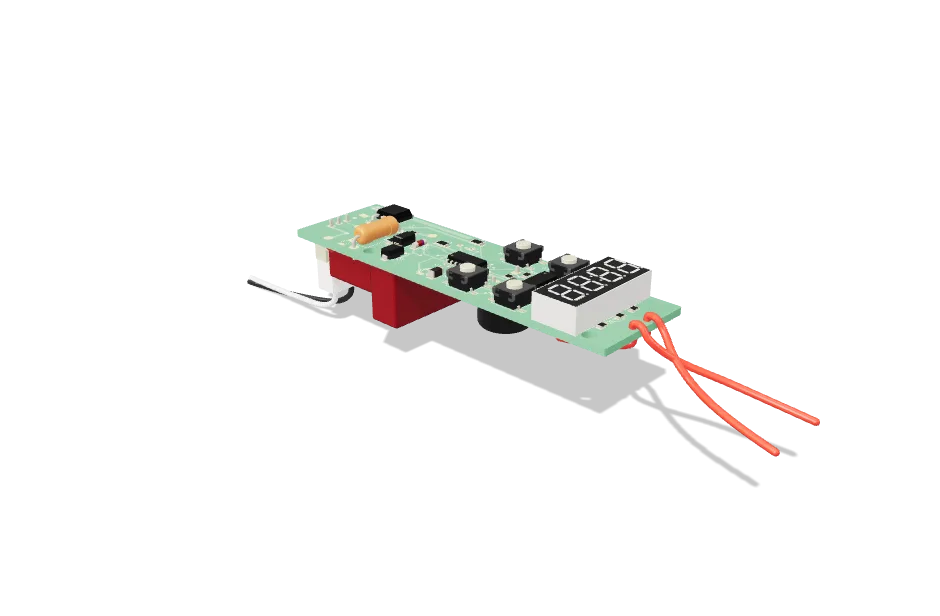
The controller board and the two ballast boards are 3D model nodes with PCB operations, not drawings. The controller holds a schematic reverse-engineered from the photos, a layout measured from them, a design-rule check and Gerber and drill exports in one node. Where a photo could not see a layer, the node says so: the ballast layout is named "bottom copper traced; top copper inferred".
3 · concept the case
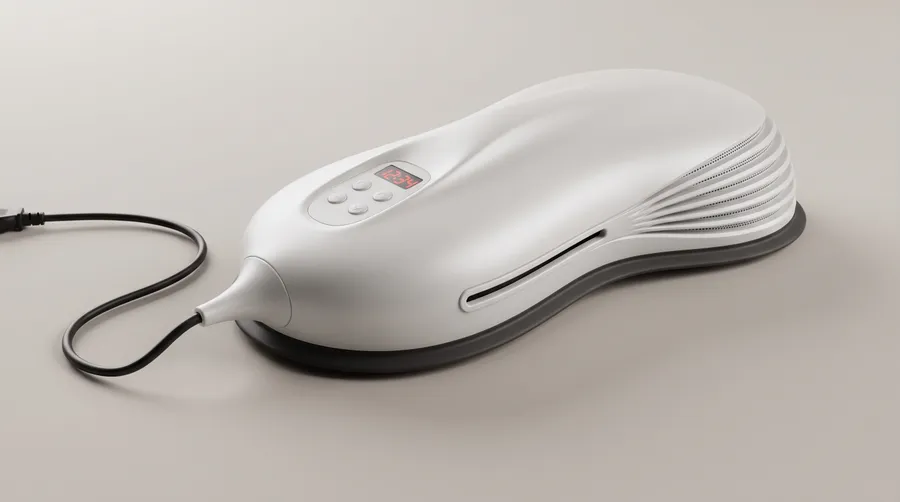
The case is rendered before anyone draws it, with Nano Banana Pro: a hero three-quarter view, then an underside and a top view prompted with the hero as reference, since text-only prompts drift between views. A whiteboard brief on the canvas, in a text node, names the aim in plain words: a half-dome sketch that solves four listed problems of the old lamp.
4 · build the case
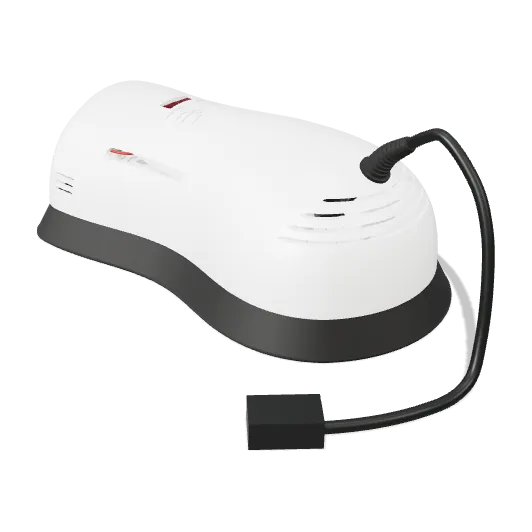
The concept is built for real in a 3D model node named UVB lamp case (pebble concept), around the parts from step 1 and the boards from step 2. It exports plate-ready 3MF print files and a reflector as STL, plus assembly and flip videos rendered from the model itself.
5 · name it and pack it
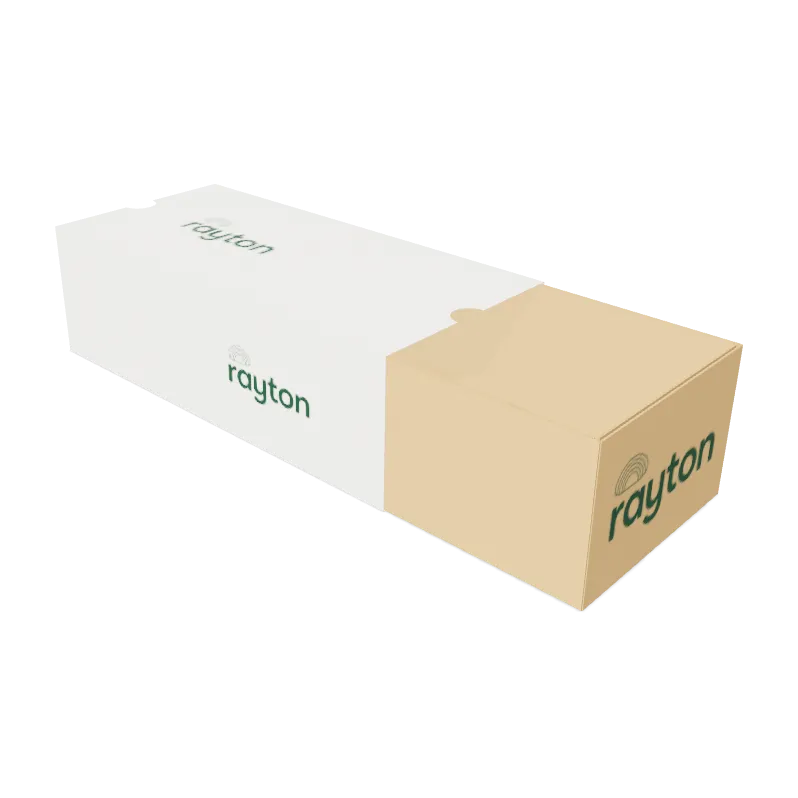
A name and wordmark, then two pack concepts, each shot closed and open: a pulp box and a sleeve-and-tray. The sleeve-and-tray is the one built out. A packaging model turns that choice into sleeve, tray and cradle dielines, sized off the case model and exported as cutter-ready files.
6 · the launch films
The canvas holds four film versions, each cut twice: a 9:16 cut and a 16:9 cut. They are made from Seedance 2.5 and Kling v3 Video clips, real phone footage of the 3D printing, 3D animation renders from model nodes in animate mode, and a score from Lyria 3 Pro. Each version has its own animation layers for captions and titles, wired into a video editor node. A written production plan and a script sit on the canvas as text nodes, so the next session starts from them.
what to borrow
- Run models from your own tools. Connect once and start runs from outside the browser: mcp.
- Build parts from measurements. CAD, then fit them against each other: variants and checks.
- Treat a board as a model. electronics.
- Cut the pack to the case. packaging.
- Show how it comes together. assembly and motion.
- Make the films on the canvas. animation studio, video editor.
checked against the product · 2026-10-23