from a photo to a boxed vinyl toy
a pixel avatar, a vinyl figure, a die-cut box and a retro window box, built on one canvas from zones, four processes and the 3D tools.
The brief: turn a photograph of a person into a collectible. First a 16-bit pixel avatar, then a chibi vinyl figure, then the figure in a box you could put on a shelf, folded from a real dieline and shown in 3D. Every stage sits in its own zone, left to right, so the canvas reads like a production line.
The canvas holds eight zones: Avatar, Mini Figure, Packaging, Box design, Objects Seperation (spelled that way on the canvas), 3d, and two for the retro box, one for its composer panels and one for its gallery simulator.
the avatar zone
A process named 16-Bit Pixel Avatar takes one input, the photos of the person, and turns them into a retro chibi avatar. Its pixie studies the photos and designs two playful poses before generating both. That is a recipe, not a one-off: the next person gets the same treatment by filling the same form.
the mini figure zone
A second process turns the avatar or a reference photo into a chibi vinyl figure with two custom accessories. The pixie Honey works it, and the same form takes the next person.
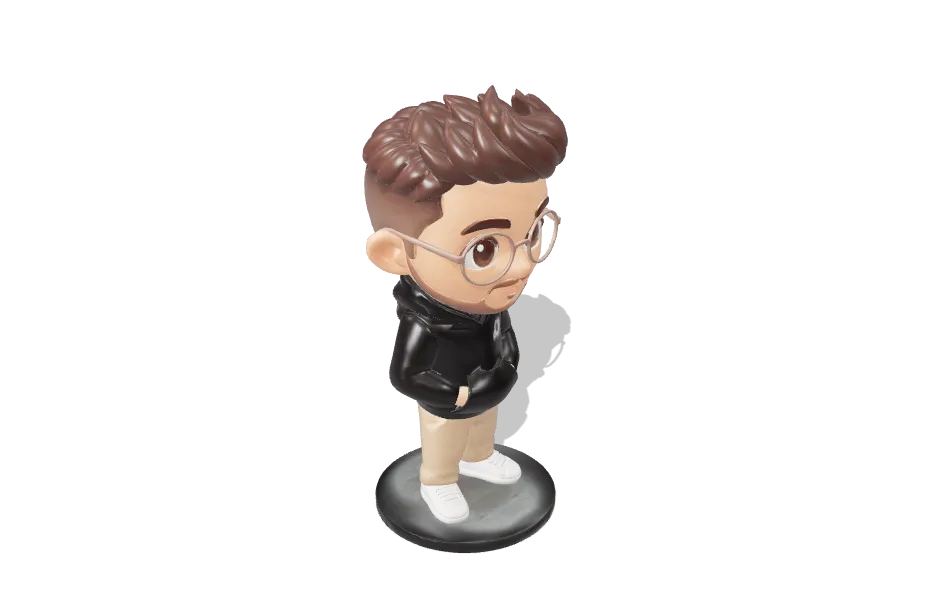
Variants sit side by side as picture nodes, each with its prompt in a text node, so you can compare and keep one.
separating the pieces
A 3D generator given a whole scene makes one fused lump. So Object Isolation & Separator (the pixie Tulip) lifts each object onto its own clean white plate: the figure, an accessory, a second accessory. The canvas's isolated-object nodes (figure, accessory 1, accessory 2) are those outputs. The canvas then runs images through tripo-h3.1 image-to-3d, and the results are models you can spin.
the box zone
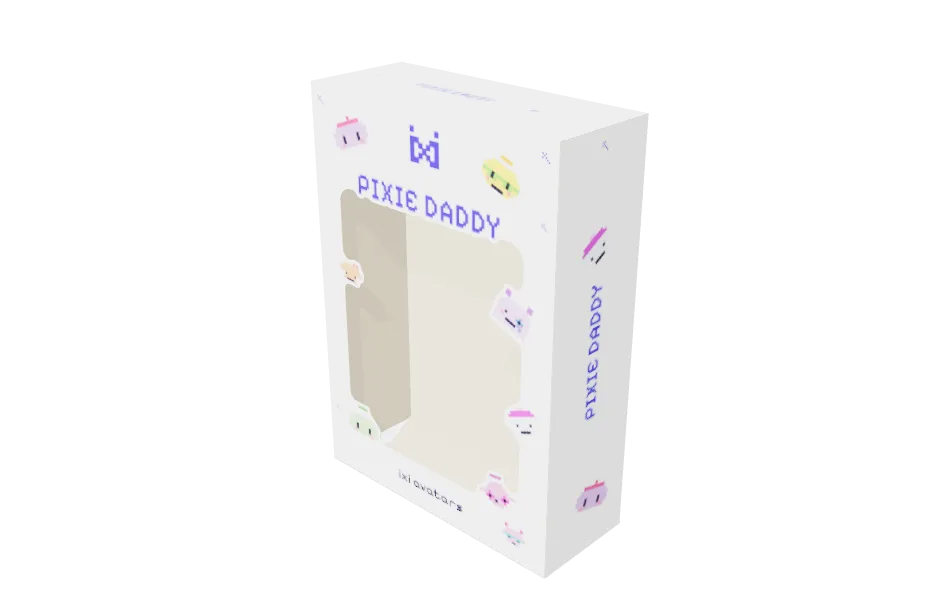
Mini Figure Packaging (Misty) holds a locked, approved white window box: the pixie gang on the sides, the ixi mark, a pixel-font title in brand blue. Its two inputs are the figure with its accessories and the Box Title. The pixie changes only those, so the next toy gets the same box.
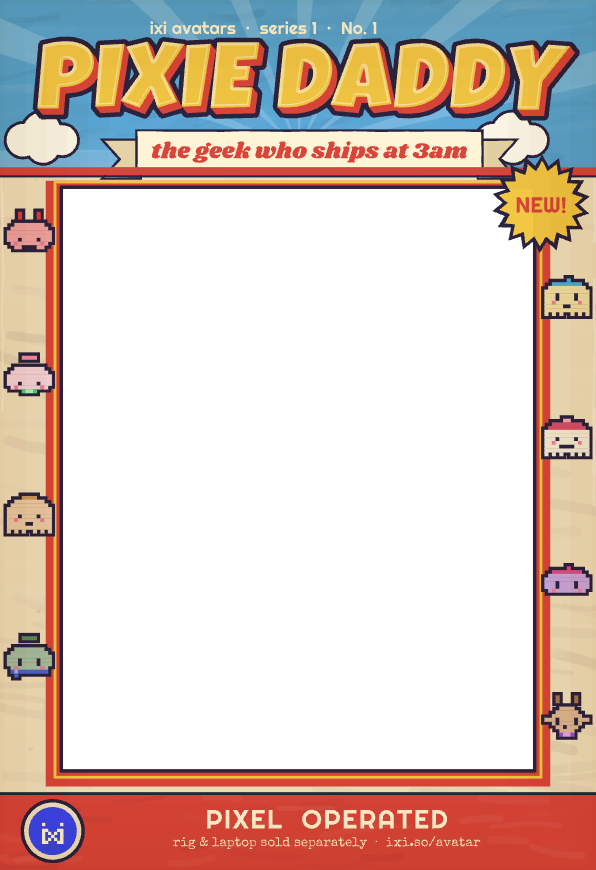
The box art is made in image composer nodes, one of twelve on the canvas: Box front, Box side, Box top flap, five tray panels (back card, floor, left and right walls, ceiling), a gallery wall and a few variants.
the dieline and the assembly
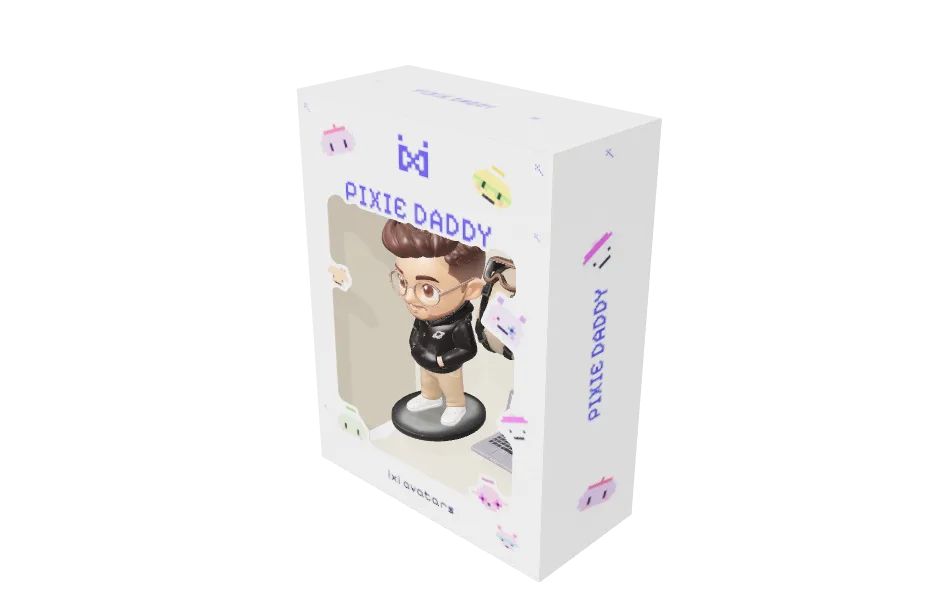
Two 3D model nodes finish the real thing. One, in dieline mode, turns the box art into a folded carton and exports the print PDF; the other, in assemble mode, places the figure and accessories models inside the folded box as one assembly. Two modeler pixies, Anko and Niko, are on the canvas for this work.
a retro box that follows you
A second box, in mesh mode and labelled "Reverspective", paints every face from a live image-composer panel as a texture. Edit a panel and the 3D repaints without an export. A variant with a clear window puts the figure model inside, behind an acetate panel. The note on the canvas says the box turns to follow you as you move past it.
what to borrow
- One zone per stage. Zones hold a stage's nodes and the pixie scoped to them: notes, text and zones, zones and teams.
- Package a recipe as a process. Avatar, figure and packaging are all processes with named inputs: make a process.
- Compose print art on the canvas. Panels you can edit and re-use: image composer.
- Draw the packaging and fold it. packaging, then assembly and motion.
- Make the 3D model from picture nodes. model nodes.
- Put the render in a room. look and share.
checked against the product · 2026-10-23